SwiftUI's @Observable Macro: Moving Off ObservableObject
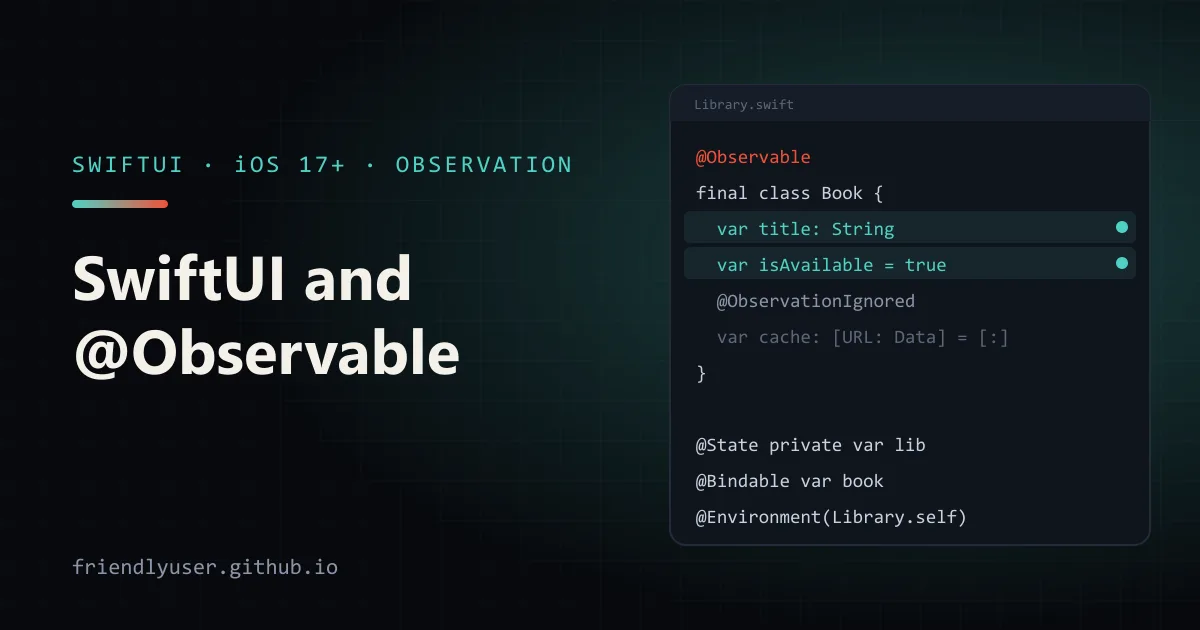
The Observation framework, introduced with iOS 17 and macOS 14, replaces ObservableObject as the way to share mutable model objects with SwiftUI views. You mark a class with the @Observable macro, drop @Published, and SwiftUI works out on its own which properties each view reads, re-evaluating a view only when one of those properties changes.
The result is less boilerplate, fewer property wrappers to choose between, and fewer unnecessary view updates. This post shows the new model next to the old one and covers the four wrappers you still need: @State, @Bindable, @Environment, and none at all. Examples use Swift 6 and target iOS 17 or later.
Before and after
Section titled “Before and after”Here’s a typical ObservableObject model and a view that owns it:
import SwiftUI
final class LibraryStore: ObservableObject {    @Published var books: [String] = []    @Published var query = ""}
struct OldLibraryView: View {    @StateObject private var store = LibraryStore()
    var body: some View {        List(store.books, id: \.self) { Text($0) }            .searchable(text: $store.query)    }}
The same thing with Observation:
import SwiftUIimport Observation
@Observablefinal class LibraryStore {    var books: [String] = []    var query = ""}
struct NewLibraryView: View {    @State private var store = LibraryStore()
    var body: some View {        List(store.books, id: \.self) { Text($0) }            .searchable(text: $store.query)    }}
The changes:
| ObservableObject | Observation |
|---|---|
class X: ObservableObject | @Observable class X |
@Published var | plain var |
@StateObject (view owns the model) | @State |
@ObservedObject (model passed in) | no wrapper, or @Bindable if you need bindings |
@EnvironmentObject var x: X | @Environment(X.self) var x |
.environmentObject(x) | .environment(x) |
@Observable works only on classes. Every stored var becomes observable unless you mark it @ObservationIgnored. A let can’t change, so there is nothing to observe.
Why updates are finer-grained
Section titled “Why updates are finer-grained”With ObservableObject, a change to any @Published property fires the object’s objectWillChange publisher, and every view observing the object re-evaluates its body, whether or not it reads that property. Typing in the search field above invalidates every view that holds the store, including ones that only show the book count.
With @Observable, SwiftUI records which properties a view’s body reads while it runs. A view is invalidated only when one of those specific properties changes. A view that reads store.books.count doesn’t update when query changes.
Tracking also works through computed properties and nested objects. If a computed property reads books, any view that reads the computed property depends on books. And if books holds @Observable objects, each row view depends only on the object it shows. That fixes an old ObservableObject limitation: a change inside a nested reference-type object didn’t trigger an update unless you forwarded it to the parent by hand.
A worked example
Section titled “A worked example”A small library app: a list of books, a count of available ones, a detail screen that edits a book, and a model shared through the environment.
The models
Section titled “The models”import Foundationimport Observation
@Observablefinal class Book: Identifiable { let id = UUID() var title: String var isAvailable = true
init(title: String) { self.title = title }}
@Observablefinal class Library { var books: [Book] = [ Book(title: "The Pragmatic Programmer"), Book(title: "Designing Data-Intensive Applications"), Book(title: "Structure and Interpretation of Computer Programs"), ] var query = ""
var availableCount: Int { books.filter(\.isAvailable).count }
var visibleBooks: [Book] { query.isEmpty ? books : books.filter { $0.title.localizedCaseInsensitiveContains(query) } }
func add(title: String) { books.append(Book(title: title)) }}No @Published, no objectWillChange, no Combine import.
Owning the model: @State
Section titled “Owning the model: @State”The app creates the Library once and puts it in the environment:
import SwiftUI
@mainstruct LibraryApp: App {    @State private var library = Library()
    var body: some Scene {        WindowGroup {            LibraryView()                .environment(library)        }    }}
@State is what keeps the object alive across view updates, just as @StateObject did. Without it, the Library would be recreated whenever SwiftUI recreated LibraryApp.
Reading from the environment: @Environment(Type.self)
Section titled “Reading from the environment: @Environment(Type.self)”struct LibraryView: View { @Environment(Library.self) private var library @State private var newTitle = ""
var body: some View { @Bindable var library = library
NavigationStack { List { Section("Available: \(library.availableCount)") { ForEach(library.visibleBooks) { book in NavigationLink { BookEditor(book: book) } label: { BookRow(book: book) } } } Section { HStack { TextField("New title", text: $newTitle) Button("Add") { library.add(title: newTitle) newTitle = "" } .disabled(newTitle.isEmpty) } } } .searchable(text: $library.query) .navigationTitle("Library") } }}The environment is keyed by type: .environment(library) stores it, and @Environment(Library.self) reads it back. If no ancestor provided a Library, the app traps at runtime, like a missing @EnvironmentObject did. Declare the property as optional (@Environment(Library.self) private var library: Library?) if the object might legitimately be absent.
@Environment gives you the object, not bindings to its properties. That’s what the @Bindable var library = library line at the top of body is for. It wraps the object locally so that $library.query produces a Binding<String> for .searchable.
No wrapper at all: just pass the object
Section titled “No wrapper at all: just pass the object”struct BookRow: View { let book: Book
var body: some View { HStack { Text(book.title) Spacer() if !book.isAvailable { Text("On loan") .foregroundStyle(.secondary) } } }}BookRow receives a Book as a plain let and still updates when the book changes, because observation tracks reads of book.title and book.isAvailable regardless of how the view got the object. This is where @ObservedObject used to be required.
Binding to properties: @Bindable
Section titled “Binding to properties: @Bindable”struct BookEditor: View { @Bindable var book: Book
var body: some View { Form { TextField("Title", text: $book.title) Toggle("Available", isOn: $book.isAvailable) } .navigationTitle(book.title) }}
#Preview { LibraryView() .environment(Library())}@Bindable exists only to create bindings ($book.title) to properties of an observable object you don’t own. Editing the title or the toggle updates the shared Book. The row in the list, the “Available” count and this screen’s navigation title all update, and nothing else re-renders.
Choosing the wrapper
Section titled “Choosing the wrapper”The decision is now short:
- Does this view create and own the object? Use
@State. - Does it receive the object and need
$bindings? Use@Bindable. - Does it receive the object and only read or call methods? Use a plain
letorvar. - Should it come from far up the hierarchy? Use
@Environment(Type.self), plus a local@Bindableif you need bindings.
Migrating an existing app
Section titled “Migrating an existing app”You can migrate one model at a time. Views can use ObservableObject and @Observable models side by side.
For each model:
- Replace
: ObservableObjectwith the@Observablemacro andimport Observation. - Remove
@Publishedfrom properties. Mark properties that shouldn’t trigger updates (caches, formatters, loggers) with@ObservationIgnored. - In the view that creates the model, change
@StateObjectto@State. - In views that receive it, delete
@ObservedObject, or change it to@Bindablewhere you use$model.property. - Replace
.environmentObject(model)with.environment(model)and@EnvironmentObject var model: Modelwith@Environment(Model.self) private var model. - Remove code that subscribed to
objectWillChangeor to$propertypublishers, and find another way to react to changes (below).
Observing outside SwiftUI
Section titled “Observing outside SwiftUI”SwiftUI does the tracking for views. Elsewhere you can use withObservationTracking:
func watchQuery(of library: Library) { withObservationTracking { _ = library.query // properties read here are tracked } onChange: { print("query is about to change") // onChange fires once; call watchQuery again to keep observing }}It’s deliberately low-level: onChange runs once, before the new value is set, so you can’t read the new value inside it. If you were relying on Combine’s $property publishers for debouncing a search field, it is usually simpler to keep that logic in the view with .onChange(of:) or .task(id:). Swift 6.2 adds an Observations async sequence for observing values over time, but it requires iOS 26 or later.
Gotchas
Section titled “Gotchas”@Stateevaluates its initial value on every view init.@StateObjecttook an autoclosure and only built the object once. With@State private var model = HeavyModel(), SwiftUI keeps only the first instance, but the initializer still runs each time the parent recreates the view. Keep model initializers cheap, or create the model higher up and pass it in.- Property wrappers don’t mix with
@Observableproperties.@AppStorageor other wrappers on a property of an@Observableclass won’t compile, because the macro rewrites stored properties. Mark them@ObservationIgnored(and accept that they aren’t tracked), or keep that state in the view. - Only reads in
bodyare tracked. A property read in a closure that runs later, such as a button action, doesn’t create a dependency, and that’s correct. But a value copied into a local variable duringinitwon’t update the view when it changes. - Thread safety is your job.
@Observabledoesn’t make a class thread-safe. For UI models,@MainActor @Observable final classkeeps every change on the main actor, and Swift 6 strict concurrency then checks the callers for you. - iOS 17 minimum. If your app still supports iOS 16,
@Observableisn’t available there. Stay onObservableObjectuntil you drop it, or keep both versions behind availability checks.
Further reading
Section titled “Further reading”© 2026 David Li · Home · Blog · RSS ·Classic site · Built with Astro, Starlight and three.js · Logos:Font Awesome Free (CC BY 4.0)